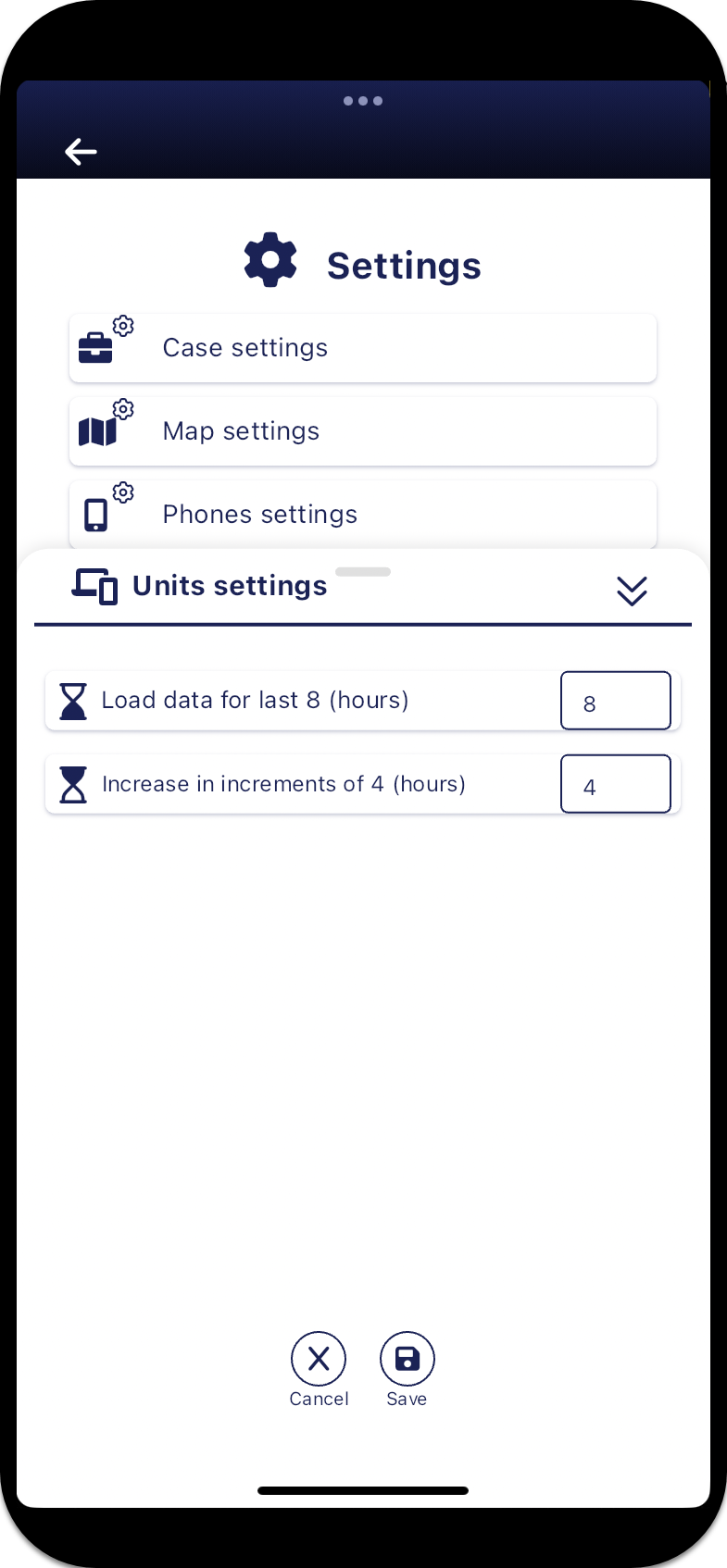
Units settings panel
The Units settings panel allows you to set how much location data you want displayed on the map for your device, or if you are in a case then also for the case units that are sharing their location information, and by how much additional data is added when you tap  on the Units panel. The case units are either GAR and GATA units, and G-Scout App devices configured to your OSS-ESPA account, Bluetooth GPS modems and Over-The-Air units.
These settings are also available and coupled with the same settings on the map screens, opened from the Units panel by tapping  .
.
For further information refer to Set the amount of breadcrumb trail data displayed for field units and Set the amount of breadcrumb trail data displayed for field units while using the map.