Approvals panel
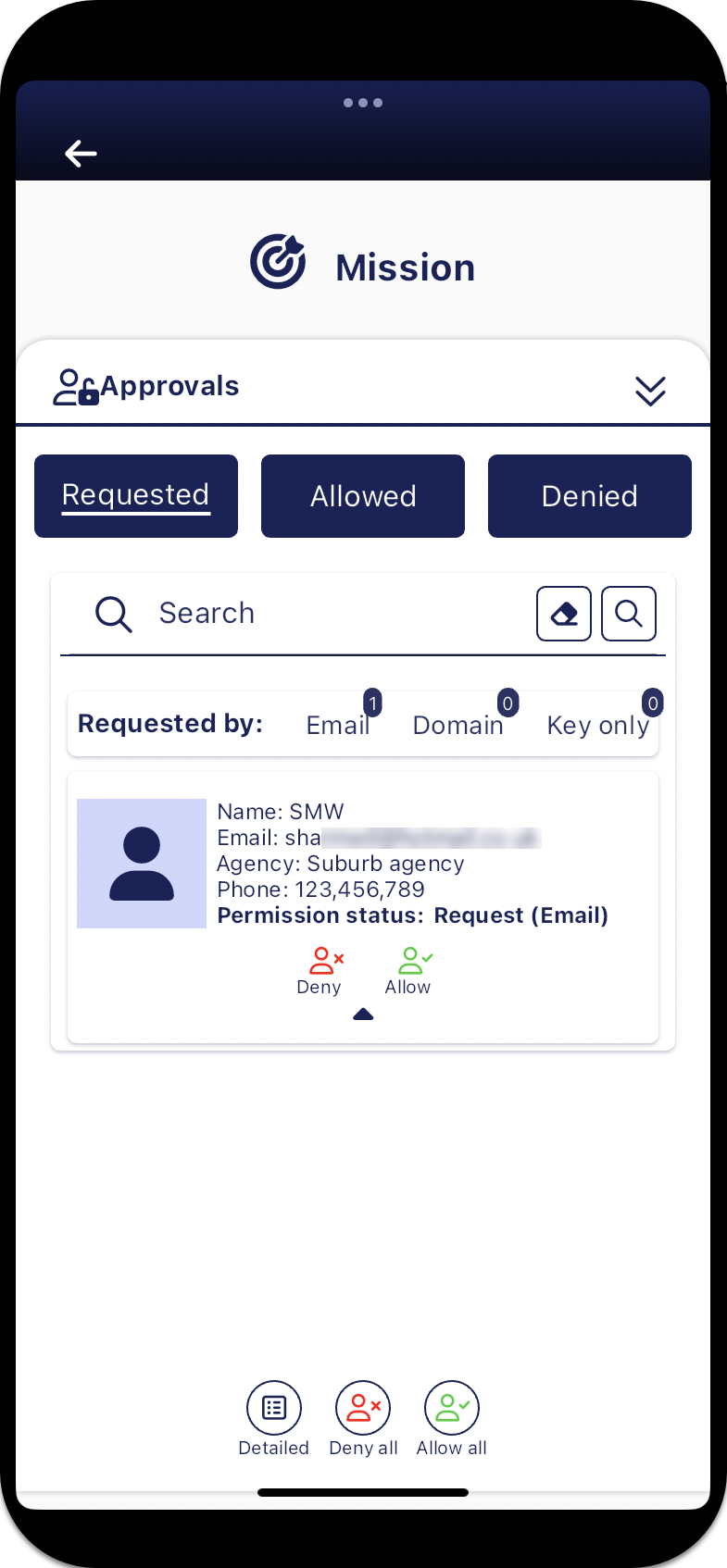
The Approvals panel allows the mission creator to approve or deny a guest's request to join a mission. For a guest to appear on this panel you must first have provided either their domain or email address access to the mission using the Mission permission panel , then the guest user must log in to the G-Scout App using the pass code sent to their email, then they must request permission to join the mission. Once a guest has requested permission to join, their request appears on the Requested tab for your approval.
The Approvals panel has three tabs, all of which provide a summary of the number of guests on each tab.
-
The Requested tab lists all the guest requests that you must either allow or deny using
 and
and  . Currently these guests are unable to access the mission on the Sentinel mission map screen until you allow them access.
 -
The Allowed tab lists all the guests who you have already allowed access to the mission. If required you can tap
to change their approval status. -
The Denied tab lists all the guests who you have already denied access to the mission. If required you can tap
to change their approval status.
If you require a step-by-step procedure on managing missions refer to Add and manage missions.
For further information on how guests log in and request access to a mission refer to If you are a guest on a mission.
 Buttons
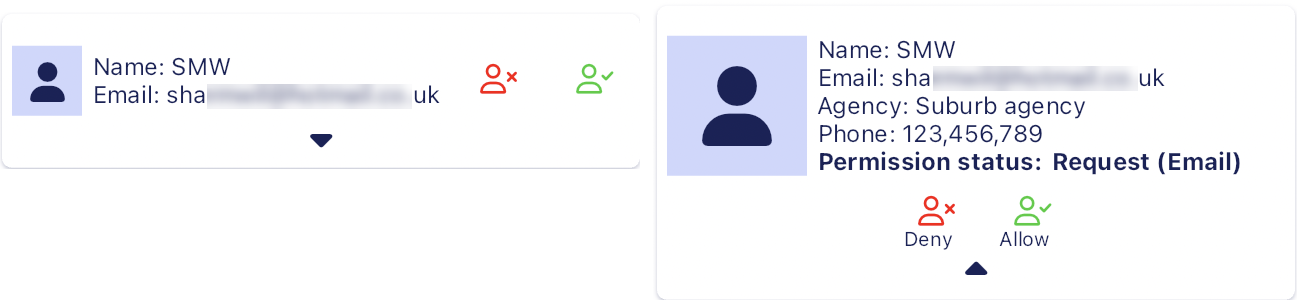
 Detailed
  Summary
Tap to toggle between displaying, by default, all the requester details or a simple summary of their details as shown below.
 Deny all
Tap to deny access to all the requests on the current tab.
 Allow all
Tap to allow access to all the requests on the current tab.