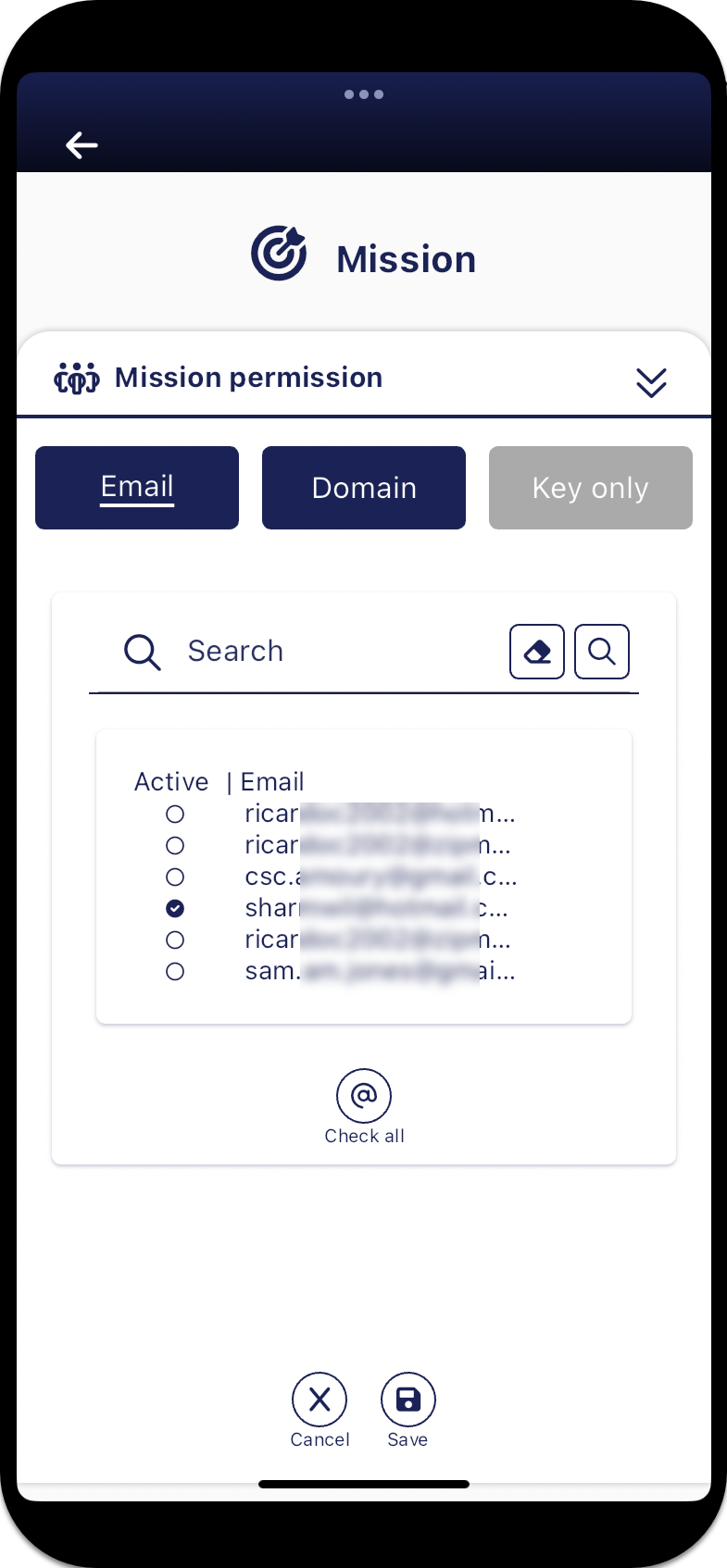
Mission permission panel
The Mission permission panel allows the mission creator to select which guest users can request access to the mission. You have the option to allow guest access by an individual email or by a domain. If you enable a domain that means that all people using that domain name are able to request to join the mission. If you enable a specific email then only the owner of the email address can request access. The domains and emails listed here are those that the administrator on the OSS-ESPA account your G-Scout App is associated with has configured to have G-Scout access on OSS-ESPA's External domains and Registered viewers screens. If you are an administrator and require further information then search the OSS-ESPA Help for "Configuring access to missions on the G-Scout App".
If you require a step-by-step procedure on managing missions refer to Add and manage missions.
For further information on how guests log in and request access to a mission refer to If you are a guest on a mission.