Login screen
The Login screen allows you to log in to your G-Scout App giving you access to all the phone numbers and cases from your OSS-ESPA account that you are monitoring using either Live location monitoring (PRTT), GPS ping data or Smart Track.
If multi-factor authentication has been applied to the account then you must enter two or three pieces of evidence before you are granted access to G-Scout App. In addition to your normal password, you may require to provide additional codes. Depending on how your administrator has configured the account these code may be sent to your: email, verified phone number by SMS, or your registered app authenticator.
If required you can verify your phone number on your OSS-ESPA account's Edit user information screen as shown below.
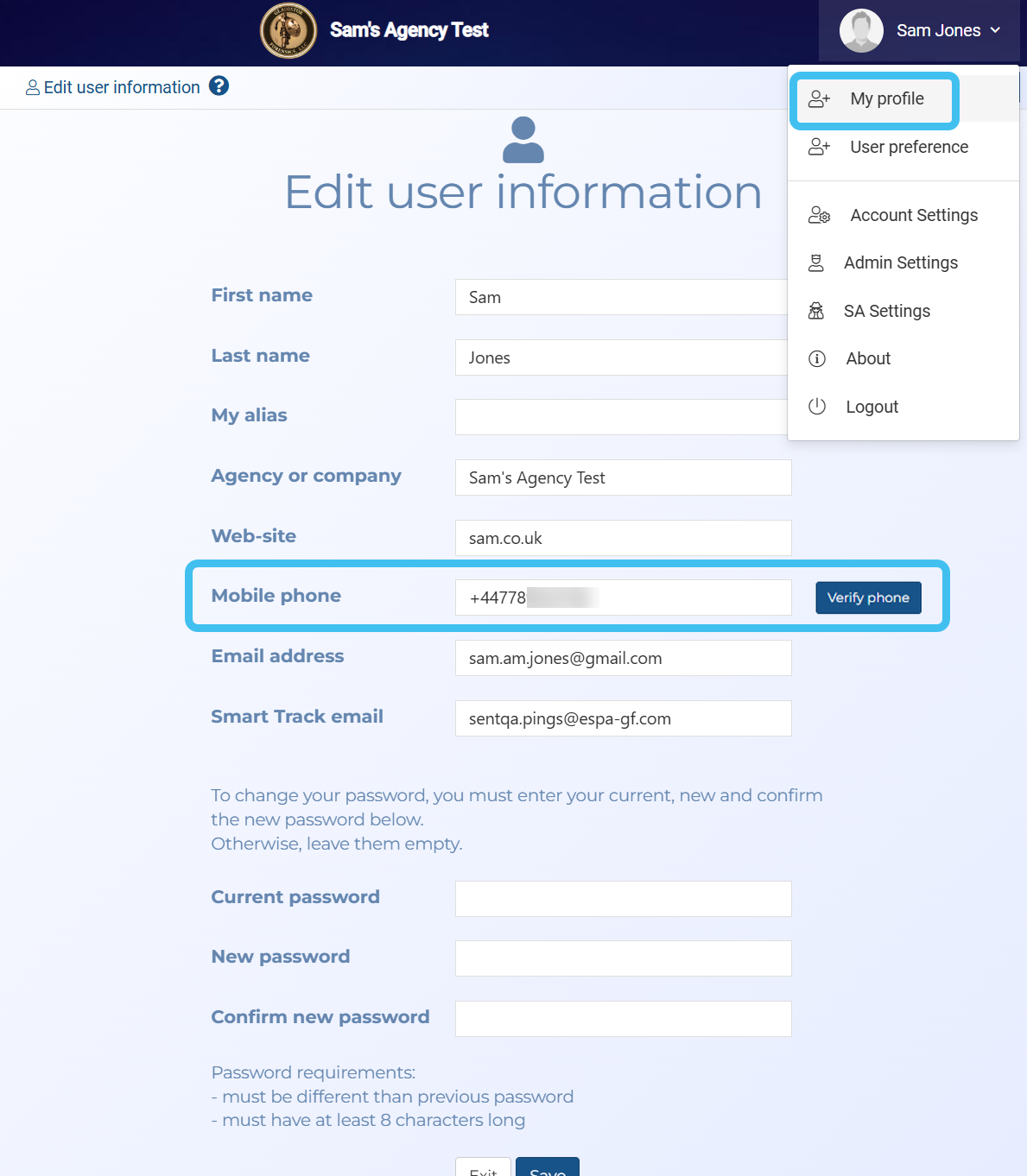
For the app authentication options, if you do not have a registered app authenticator then you must first use OSS-ESPA where a QR code is displayed which you must scan using a supported app authenticator.
Both the Google authenticator and the Microsoft authenticator are supported and are available for download at the following locations:
-
Google authenticator:
-
Microsoft authenticator:
If you require a step-by-step procedure on logging in refer to How to log in.
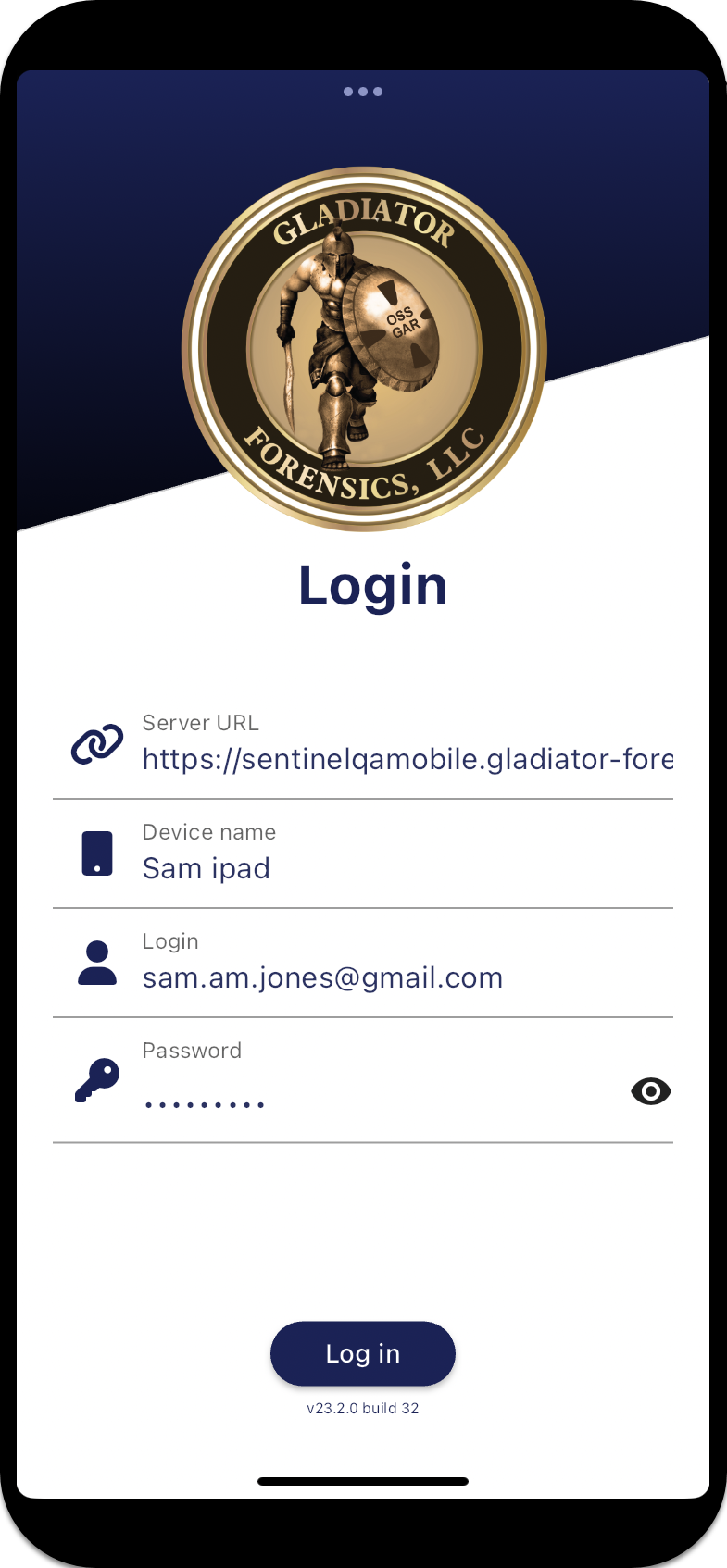
 Settings and buttons
Server URL
Settings and buttons
Server URL
Enter the URL of your G-Scout App account. This is typically the same as your normal OSS-ESPA account but with "mobile" included. For example if your OSS-ESPA account is http://ESPA.gladiator-forensics.com then typically your G-Scout App account is http://ESPAmobile.gladiator-forensics.com.
Device name
Enter a name to identify your device, for example "Sam Jones Phone". This name is then used to identify your location on the Units panel and the OSS-ESPA Sentinel screen's map.
Login
Enter your user name for your OSS-ESPA account.
Password
Enter your user password for your OSS-ESPA account.
Log in button
Tap to log in to your G-Scout App.