Smart Track alerts & notifications screen (Wizard)
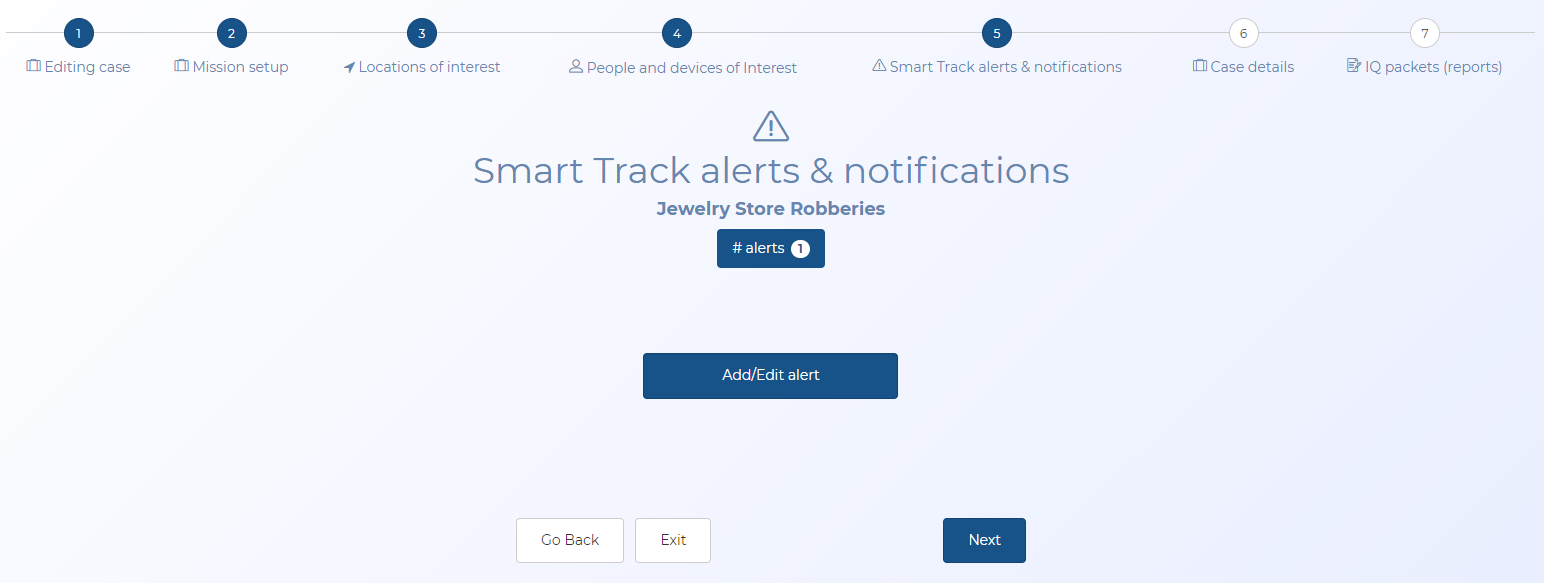
This topic provides an overview of the wizard's Smart Track alerts & notifications screen and all the settings and buttons on it. However if you require a step-by-step procedure on configuring alerts click here.
This screen is part of the wizard.
This feature requires option E10 Live location monitoring. If you do not have this option this screen is not available.
 Overview
The Smart Track alerts & notifications screen allows you access to the Smart Track alerts & notifications screen which allows you to manage live location monitoring alerts for your case.
If you require information on creating cases using the wizard refer to Creating a case based on historical files using the wizard and mission sets.
Settings and buttons
# alerts
This displays the number of alerts configured in the case. You can click it to open the Smart Track alerts & notifications screen which allows you to manage the details of any alerts configured for the case. If you configured alerts on the Configure alerts and report section of the wizard's earlier Mission setup screen then they will be displayed here.
Add/Edit alert
Click it to open the Smart Track alerts & notifications screen which allows you to manage the case alerts.
Go back
Click to go back to the previous screen.
Exit
Click to exit the wizard and open the Manage case screen.
Next
Click to go to the next wizard screen.