Viewing Verizon SMS content
This topic explains how to view Verizon SMS content on the ESPA analysis center screen.
You can also click here for a short video.
-
If you have not already done so you must first upload the Verizon SMS files to your case.
 How to upload your Verizon files
-
On the Manage case screen, click Upload more files.
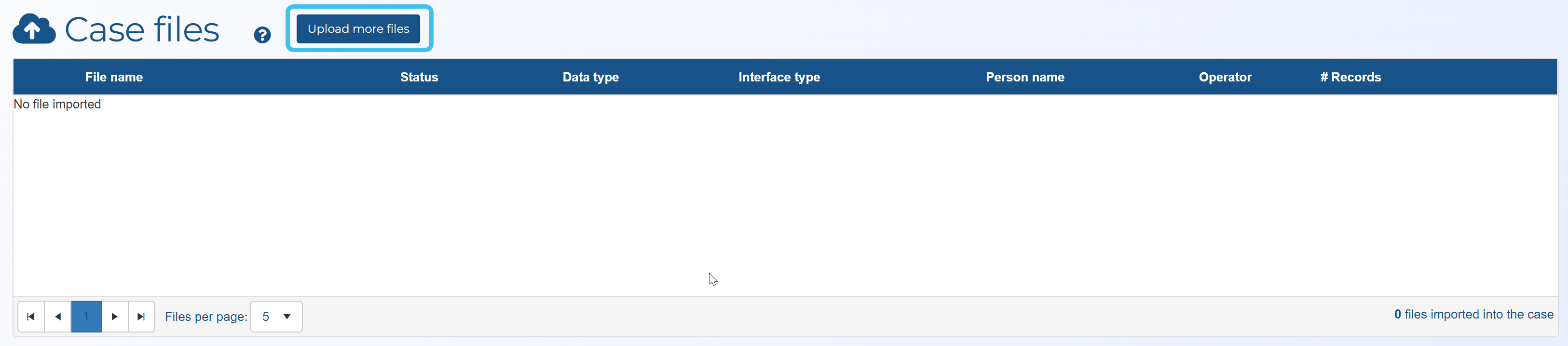
The Manage files screen opens.
-
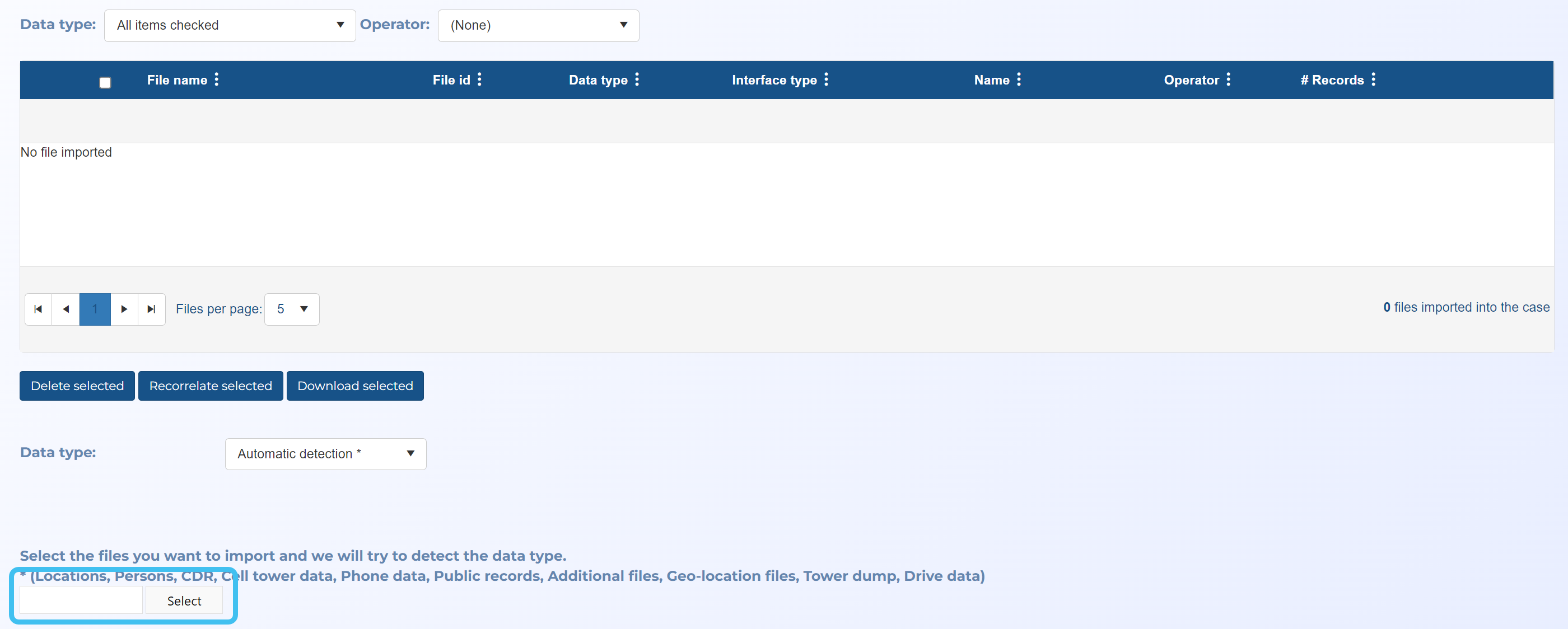
In Data type, select Automatic detection.

-
Click Select. Windows Explorer opens. Navigate to the folder and select the required files. The file uploads and a green circle alongside the file name indicates when the upload is complete.
-
Click Save.
-
-
Click
 to open the ESPA analysis center.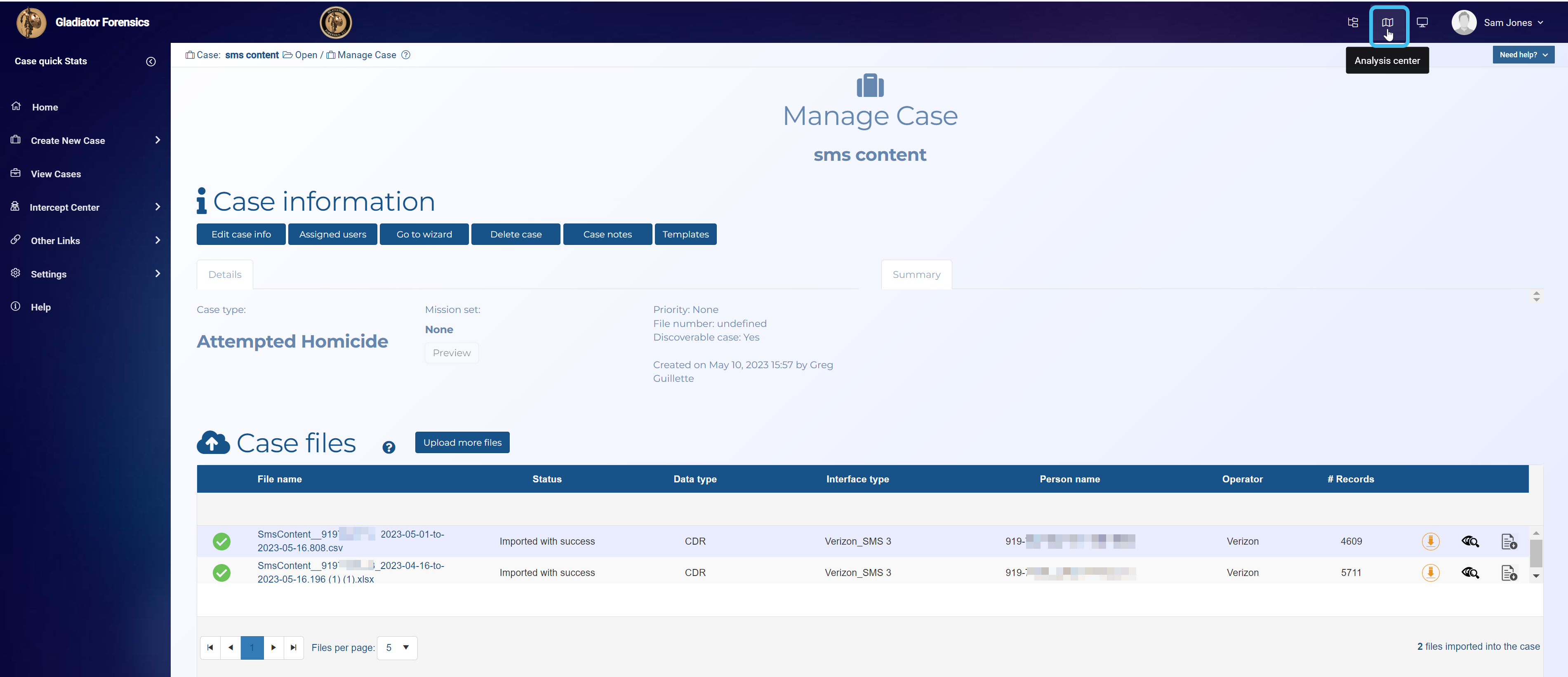
-
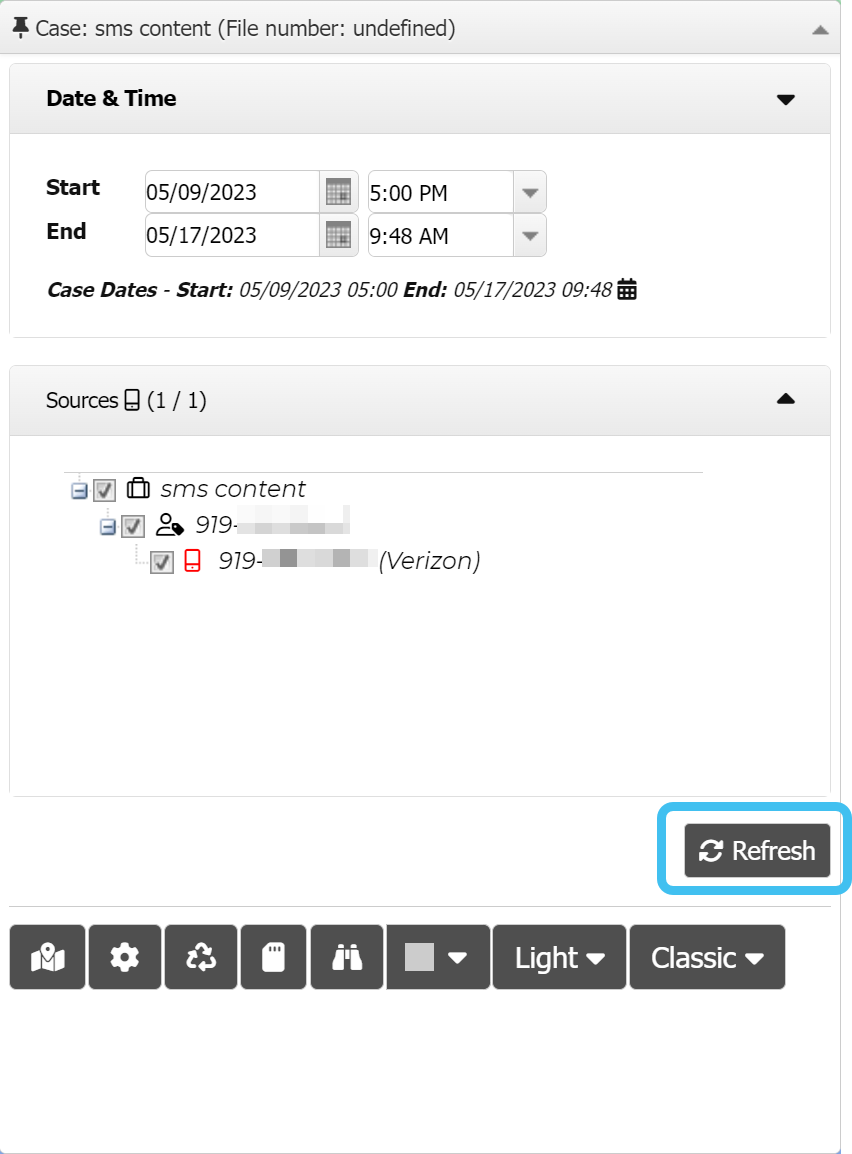
On the Input and settings view click Refresh.
-
Click the Communication data view.

-
In the Comm # column, click the communication id.

-
The SMS content is displayed.
