How to add an IP address as a target location
The physical location of an IP address can be added to a case from:
-
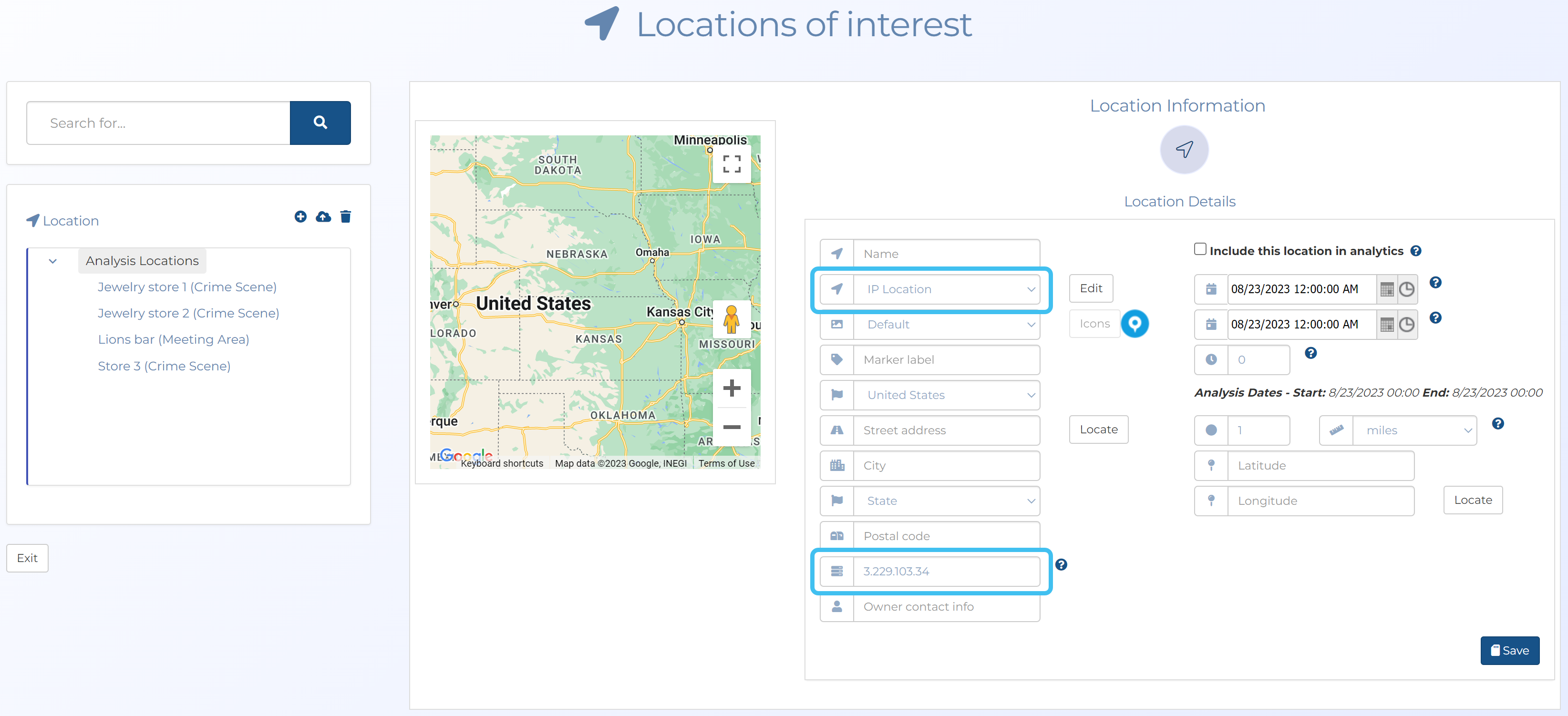
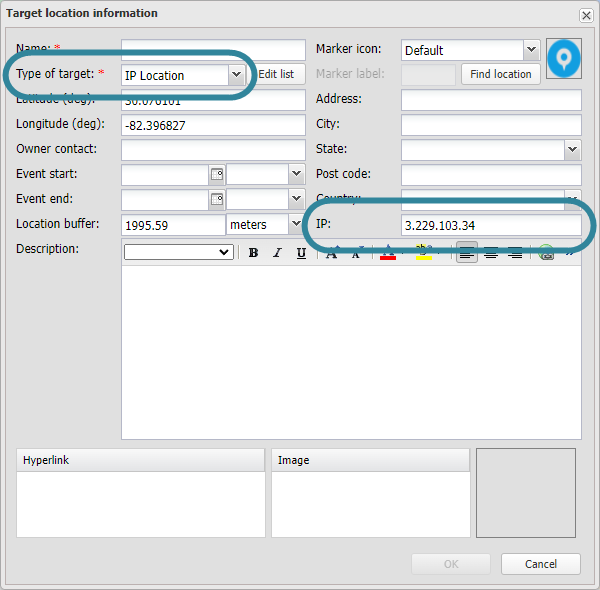
Case management's Locations of interest screen, and the Target location information dialog box which is available on both the ESPA analysis center and the Sentinel screen. You must first set the Location type to IP location, then enter the address in IP address.
-
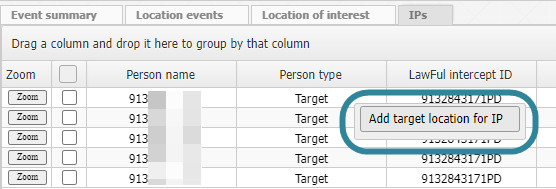
from the IPs view of the Sentinel screen, and the IPs view and Communication data of the ESPA analysis center screen, by right-clicking the row of the required IP address and selecting Add target location for IP which also opens the Target location information dialog box.