Managing Evidence Management and Reporting templates
Administrators can create Evidence Management and Reporting templates on the Evidence Management and Reporting Settings screen. To open, click Settings, Admin settings, Evidence Management and Reporting then click  and configure and save the template.
Click the link below for further details.
This topic details how to create and manage Evidence Management and Reporting templates.
NOTE: To create these templates you must be an administrator.
-
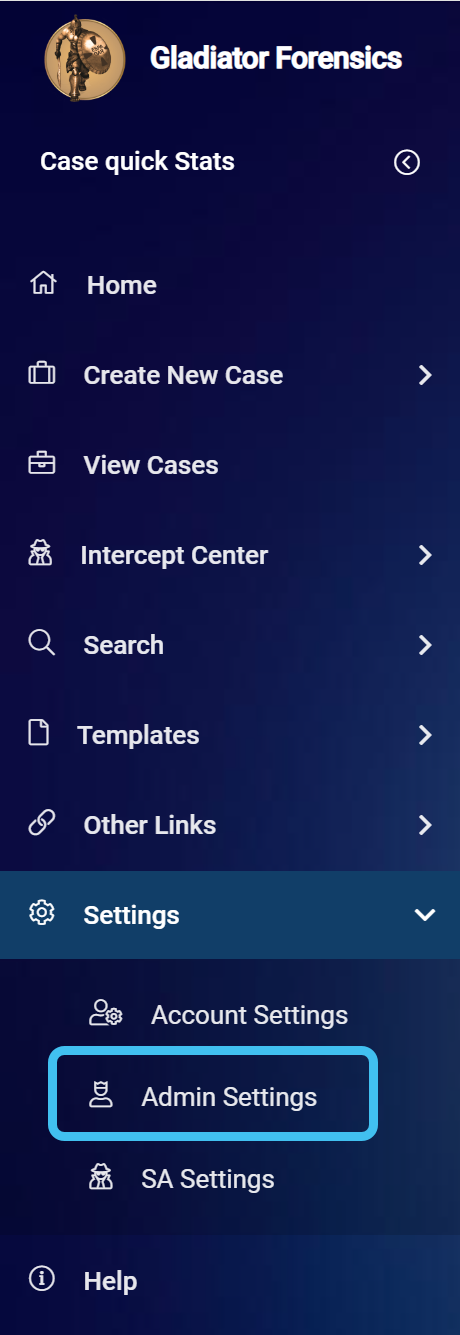
On the main menu click Settings, then click Admin settings.
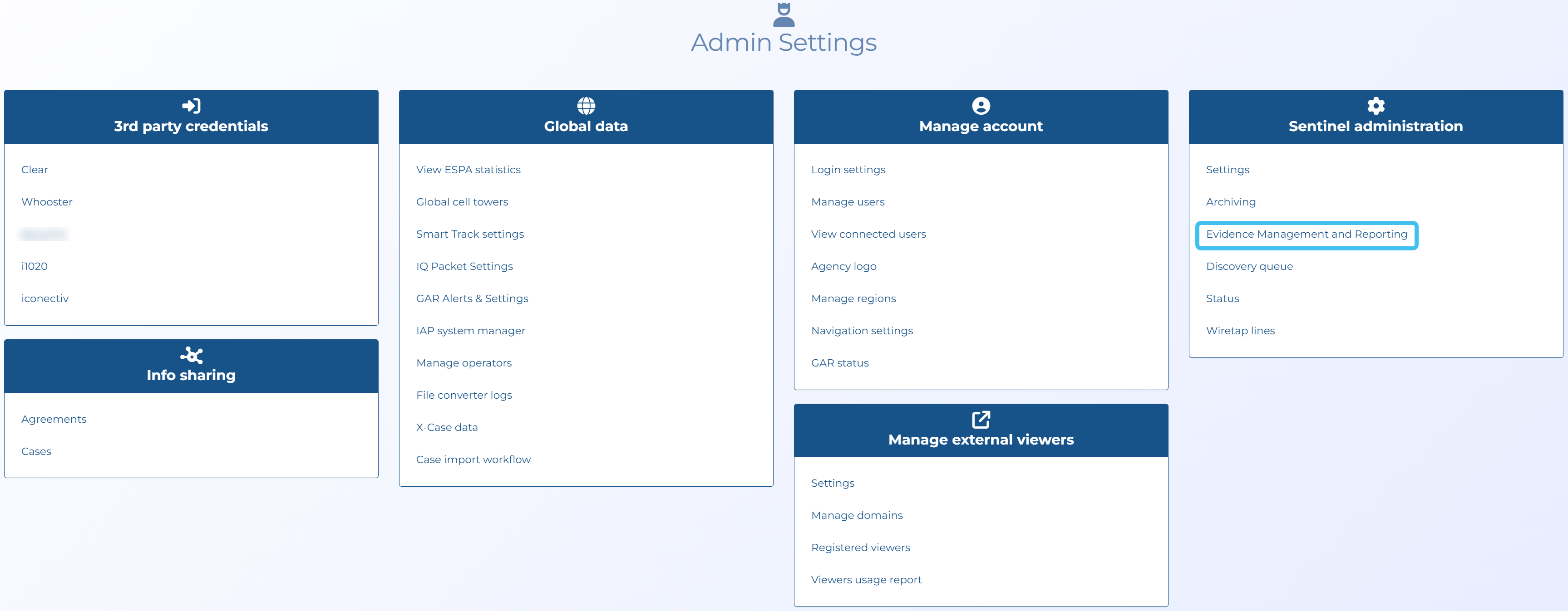
The Admin settings screen opens.
-
In Sentinel administration click Evidence Management and Reporting.
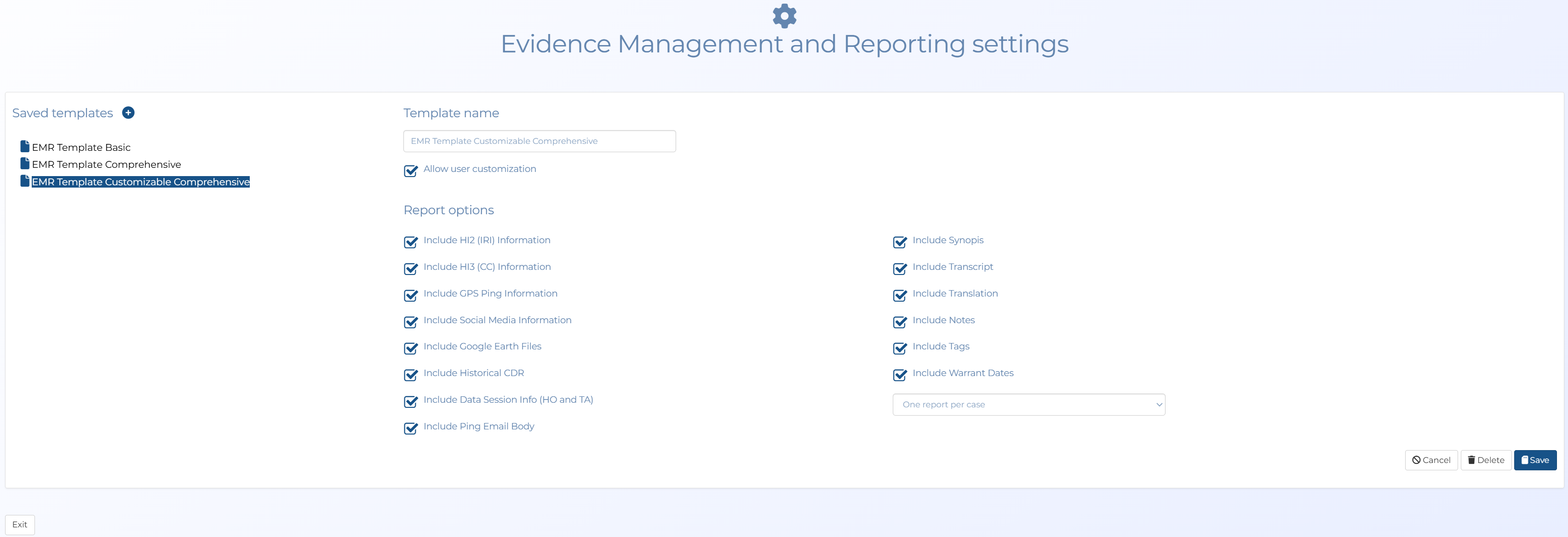
The Evidence Management and Reporting settings screen opens.
-
If you want to add a new template:
-
Click
. -
In Template name enter a name.
-
Select Allow user customization if you want to allow the user to make changes to the selected content after selecting the template.
-
In Report options select the content you want included in the template.
-
Click Save.
-
-
If you want to edit an existing template click the name, edit the settings then click Save.
-
If you want to delete an existing template click the name, then click Delete.