Screen and panel descriptions
This section provides descriptions of the screens and panels in the G-Scout App.
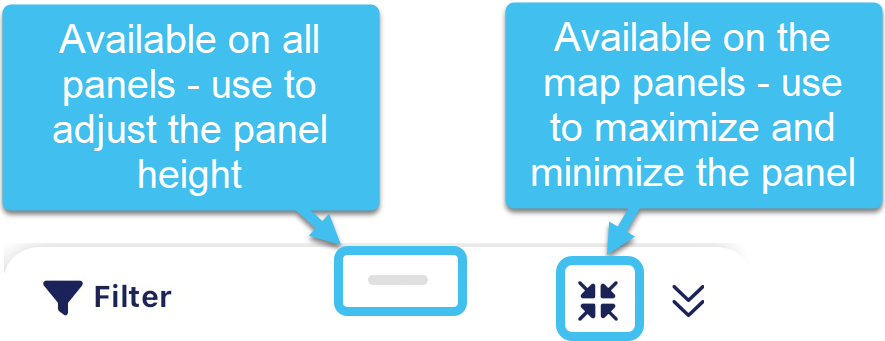
The height of all the G-Scout App panels can be adjusted using  at the top of each panel, this is particularity useful when you are using the panels on the map. Additionally, you can also tap
  and
and  on the map screen panels, to minimize and maximize the panel.
For more details, refer to the individual topics.